Select Bayer pattern
Rendering previews…
Eise.app is a free browser-based planetary image stacker for astrophotography. Turn your video of Jupiter, Saturn, Mars, the Moon, or the Sun into a detailed image. Runs entirely in your browser.
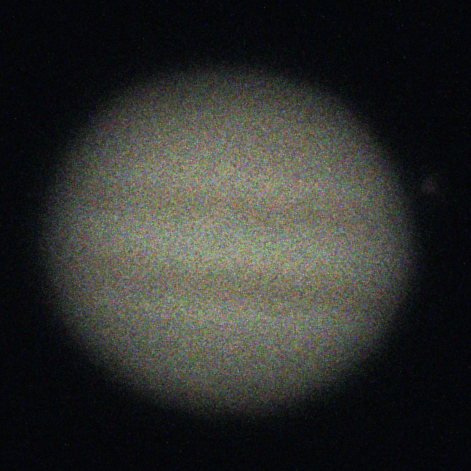
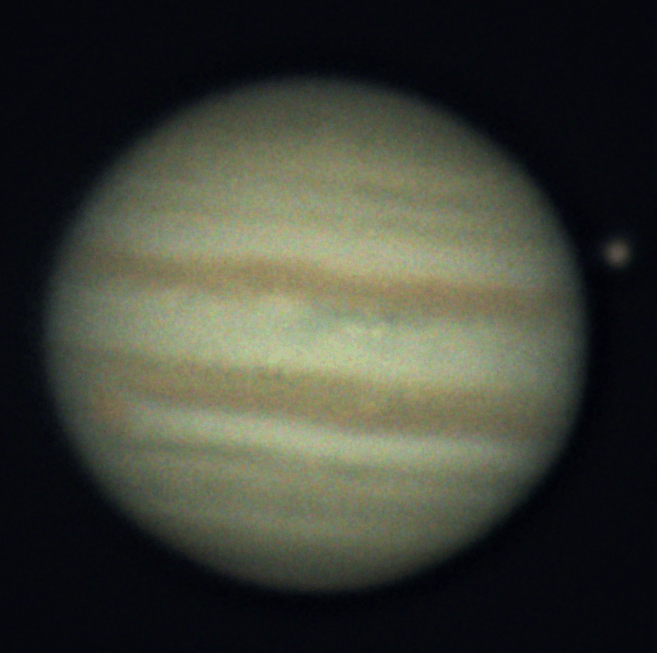
Eise.app automatically analyzes, crops, centers, and ranks every frame, then aligns and stacks the best ones. This is called lucky imaging: the atmosphere ruins most of your frames, so you only keep the sharp ones and stack those. After stacking, the post processor opens so you can sharpen the image or fix colors. All aligning and stacking algorithms are inspired on Planetary System Stacker, created by Rolf Hempel.
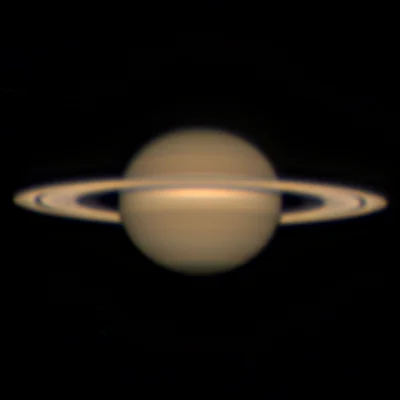 From the gallerySaturn at oppositionby ClovisSee all community stacks
 Eise supports a wide range of video files like SER, AVI, MP4, MOV and raw image formats. If you select a video, the frames will be stacked and the postprocessor opens. If you select multiple videos you can either start batch mode to have one stack per video, or you can combine all frames into one stack. In batch mode you can also export all separate frames as a video. Nice for a Jupiter rotation video. Let me know if your file format does not work.
Eise has its own post processor included and automatically opens after your stack is finished. There is however no need to go through the whole stacking pipeline to open Eise's postprocessor. You can also open images stacked with AutoStakkert! if you have stacks lying around, or you prefer AutoStakkert! over Eise.
Head over to the Eise download page to get an offline version of Eise for OSX, Windows or Linux. For now these are free, but I'm considering making those paid.
Read more on the About page, or head over to Eise.app on Github. If you have feedback or you run into issues, Let me know!. If you want to support this project, consider to buy me a coffee.
Happy stacking,
Tijmen